
Shoes
From low-profile trainers to chunky runners: explore sneakers, boots and slides, with each pair opening its own gallery and available QC.
Find something worth a closer look.
Explore all finds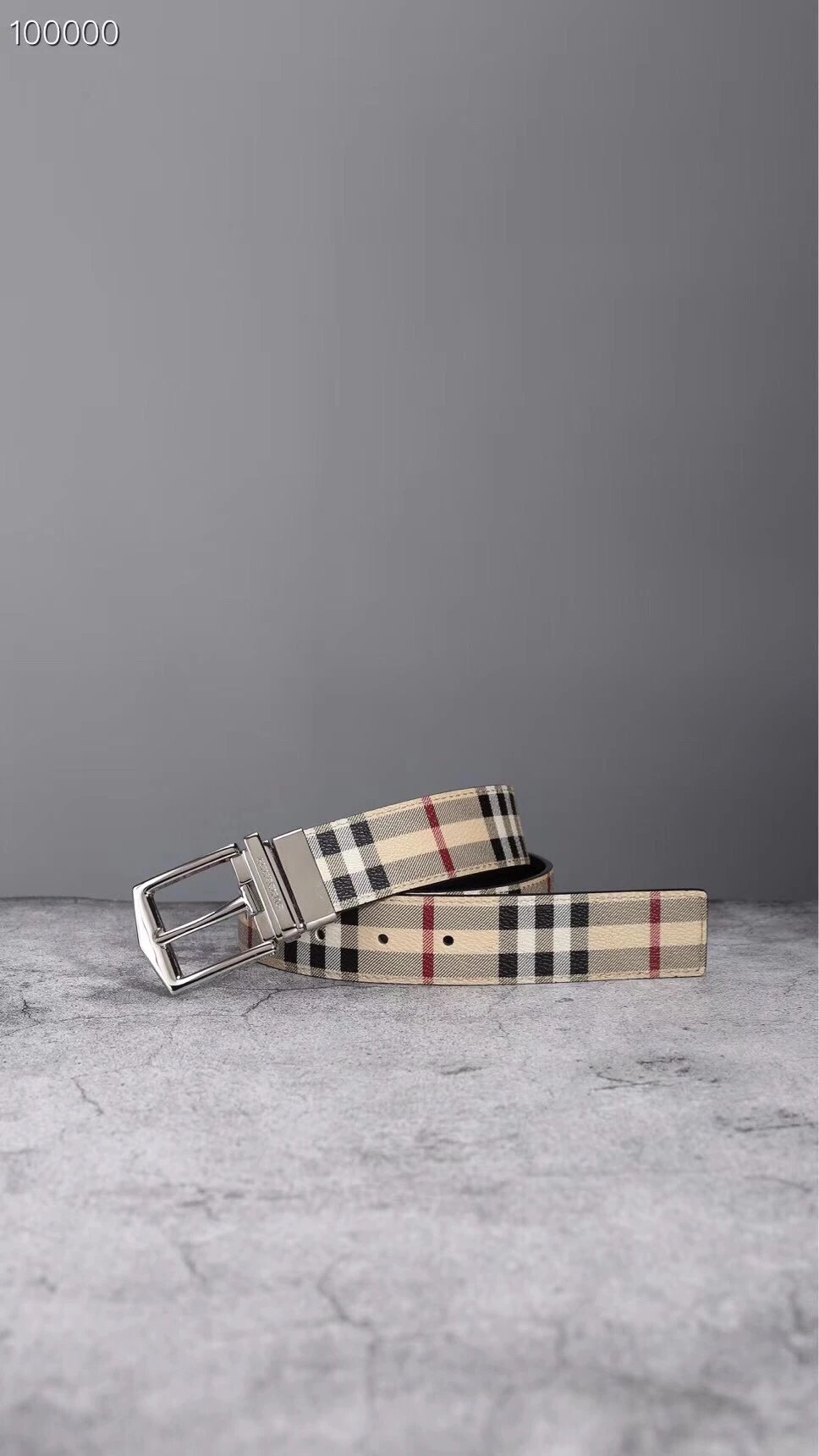
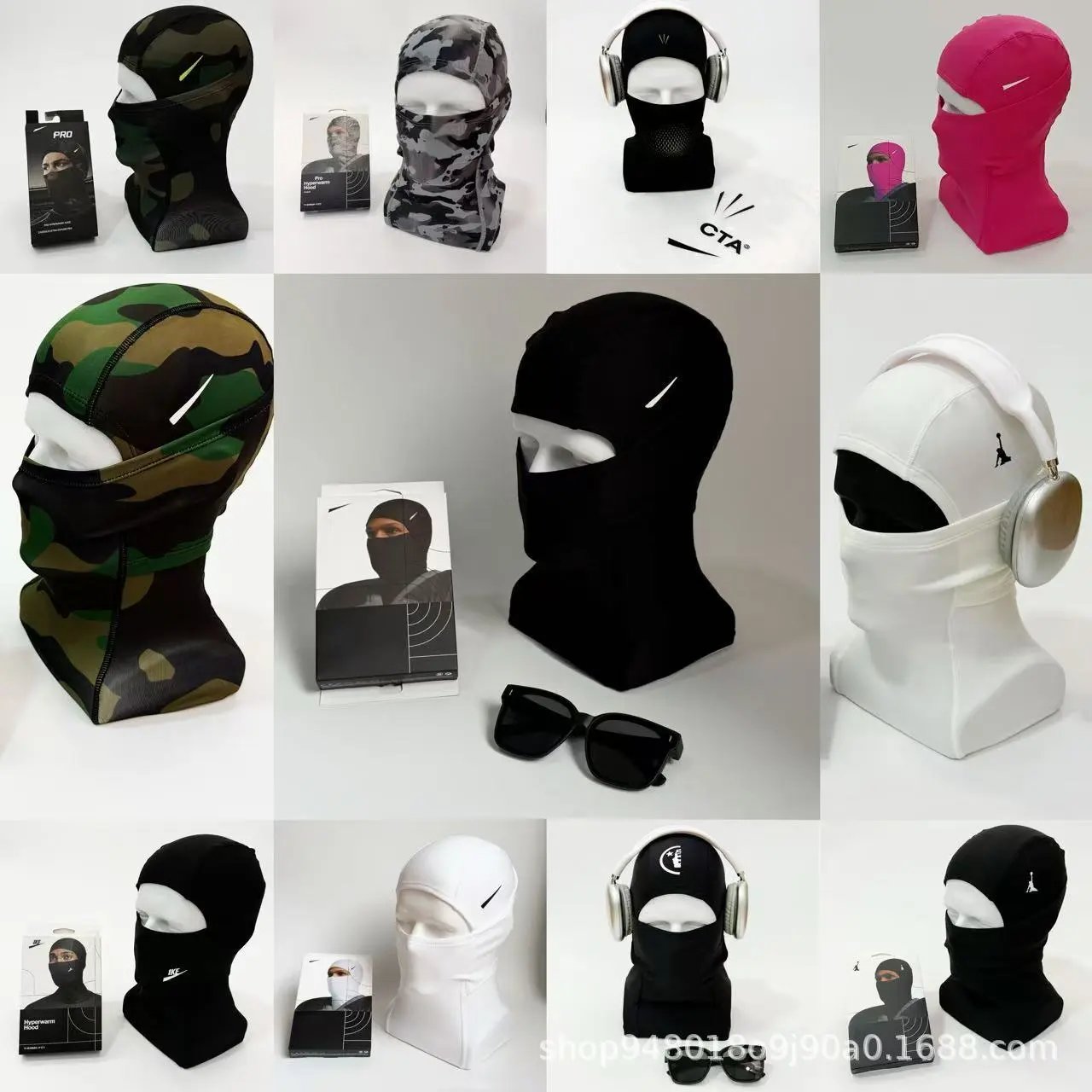
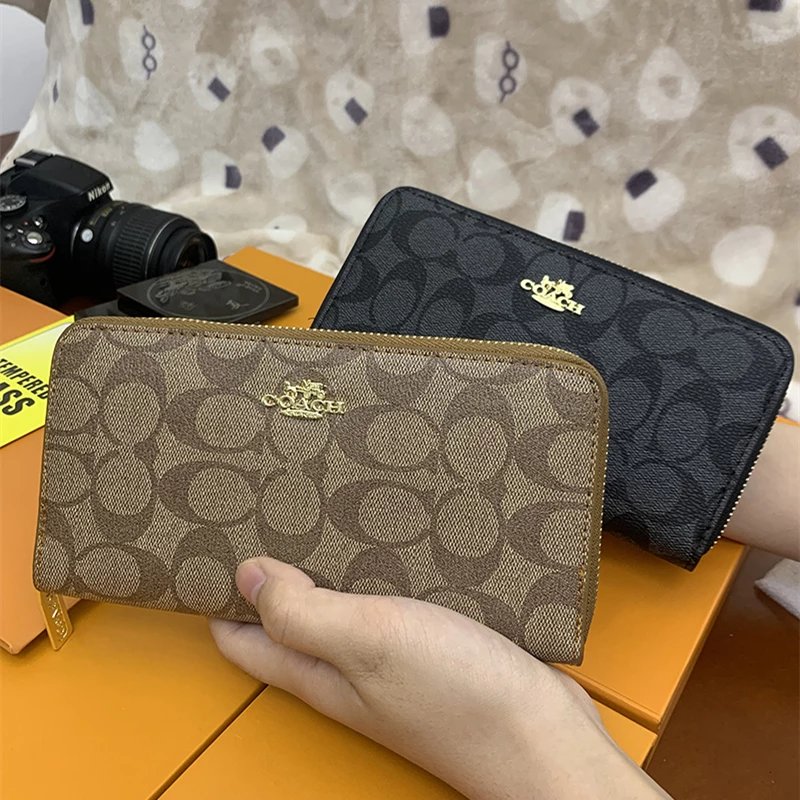
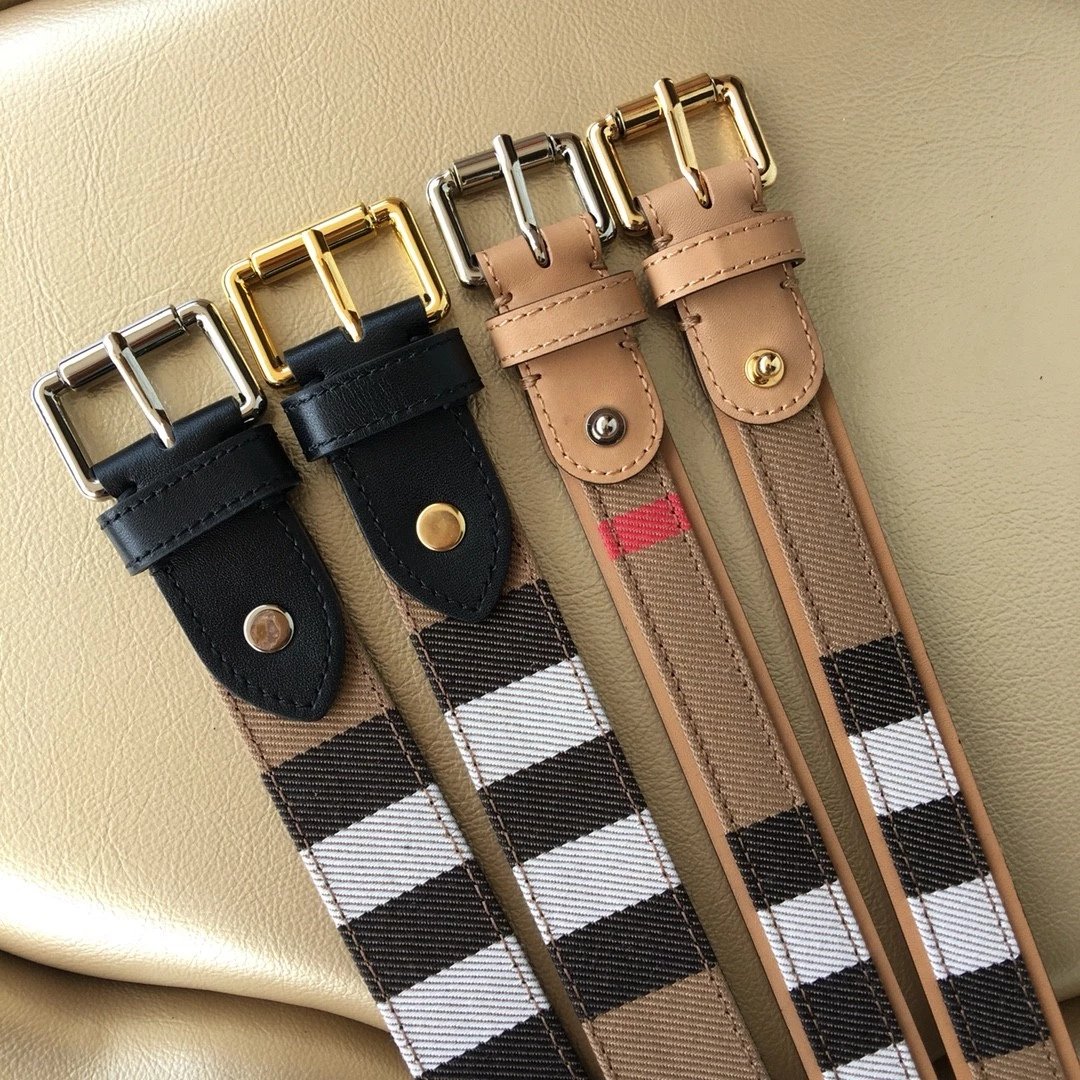
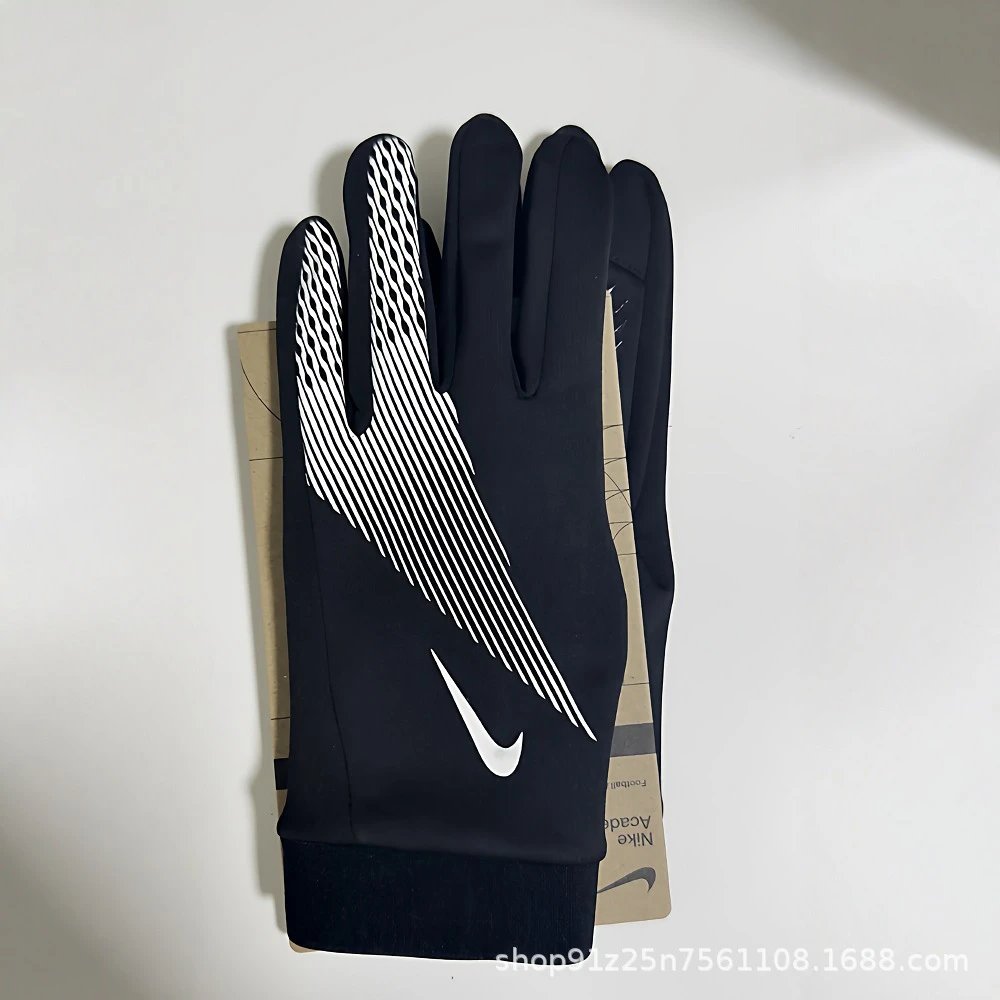
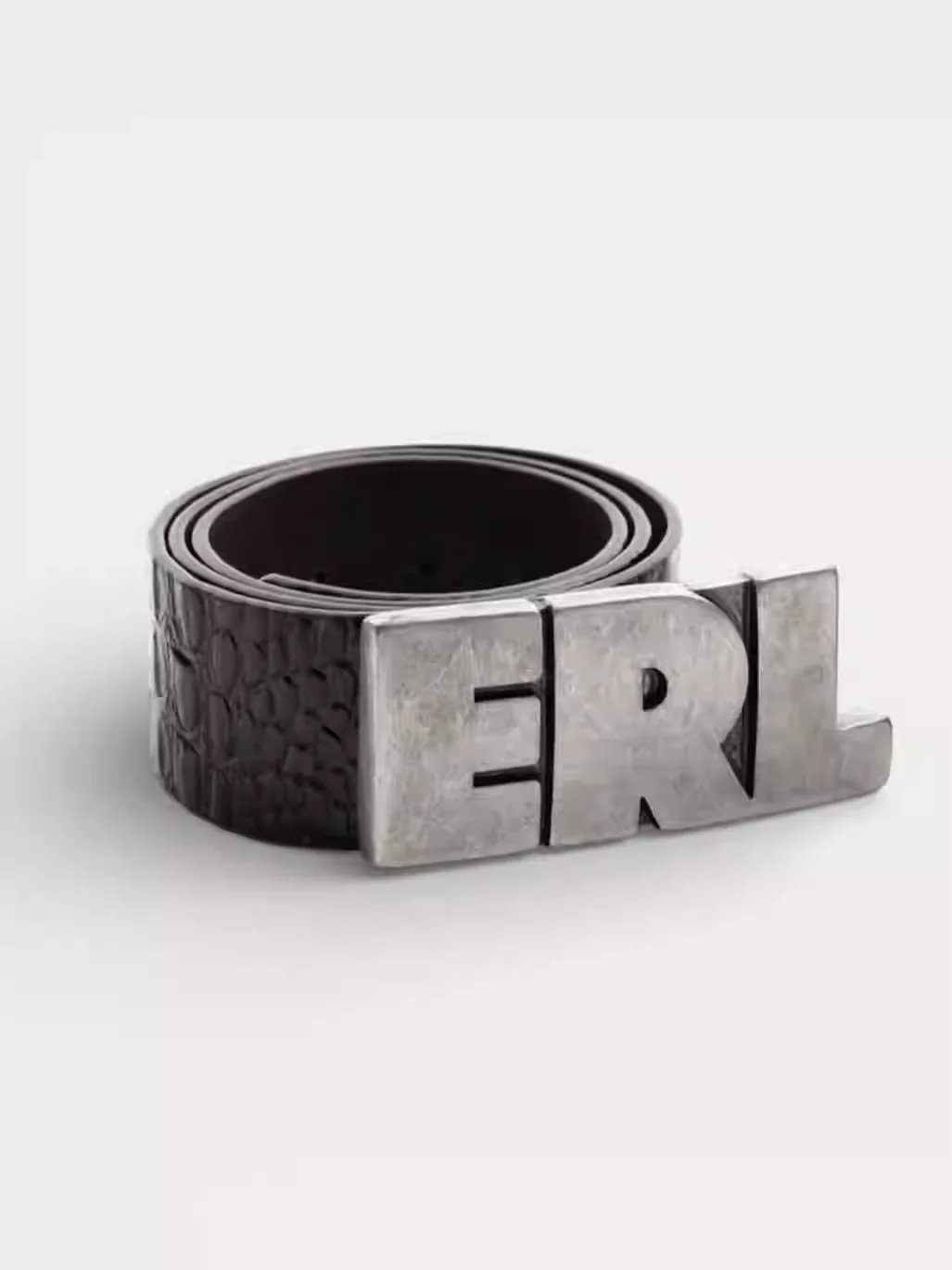
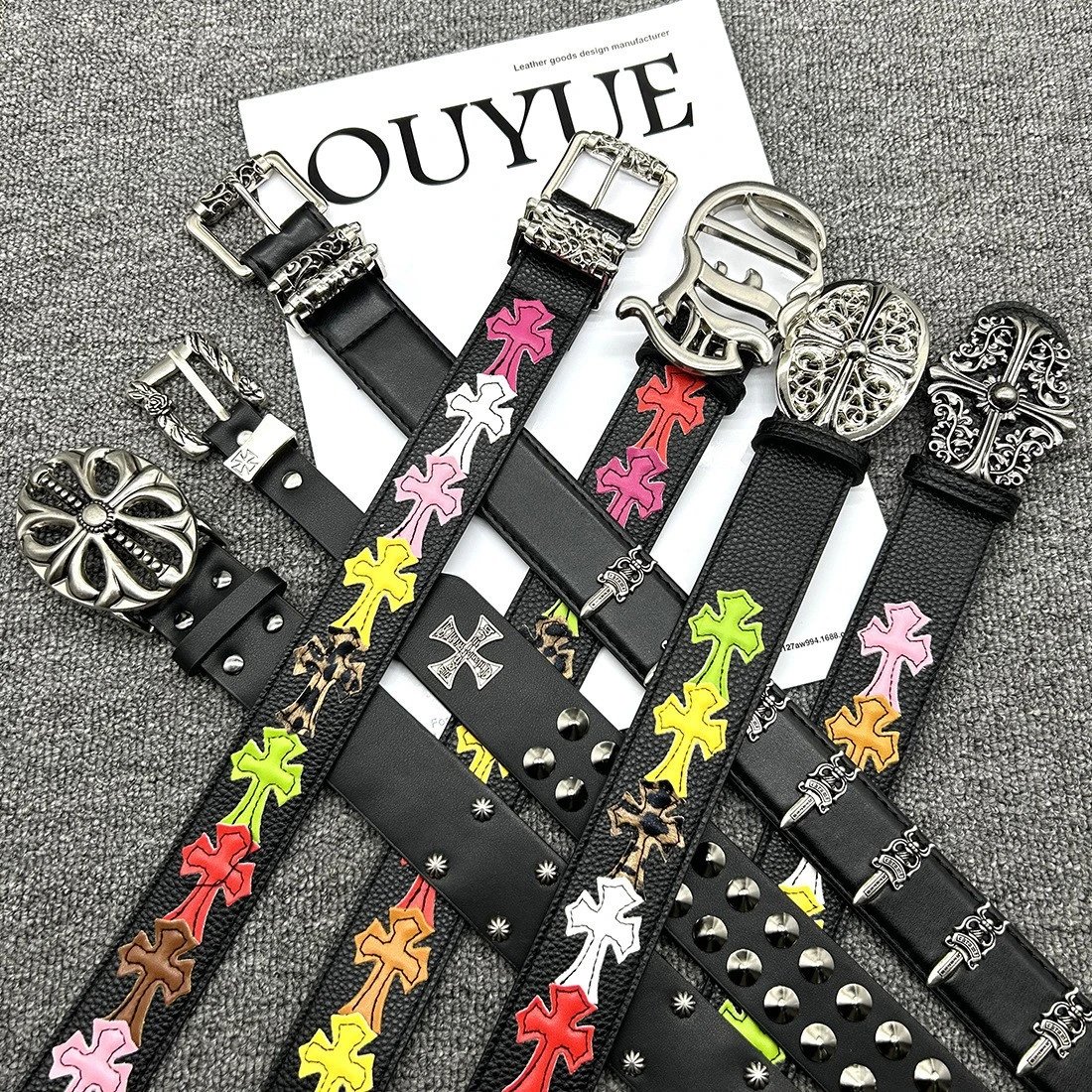
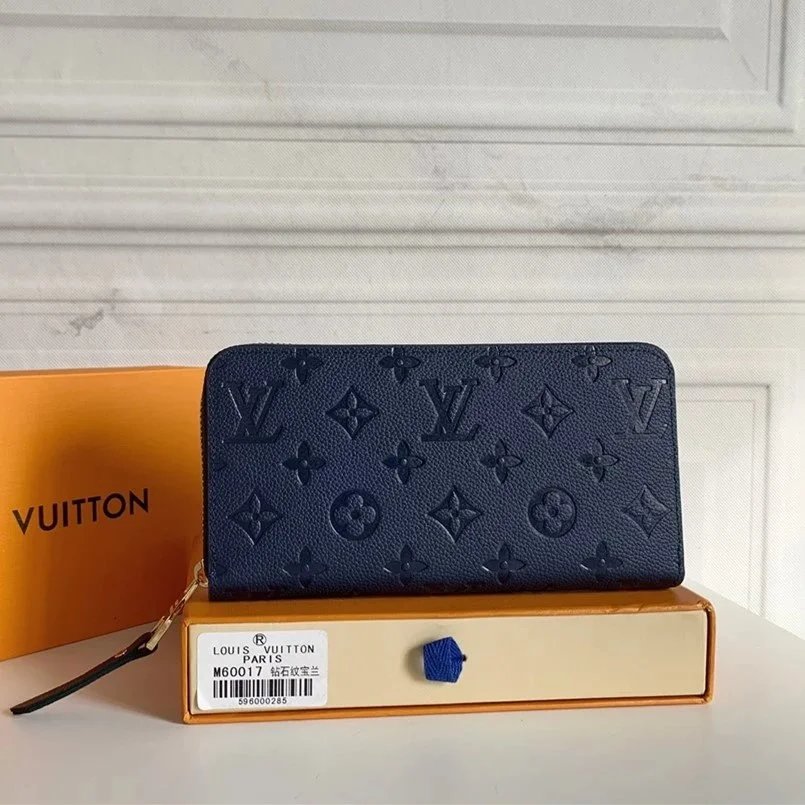
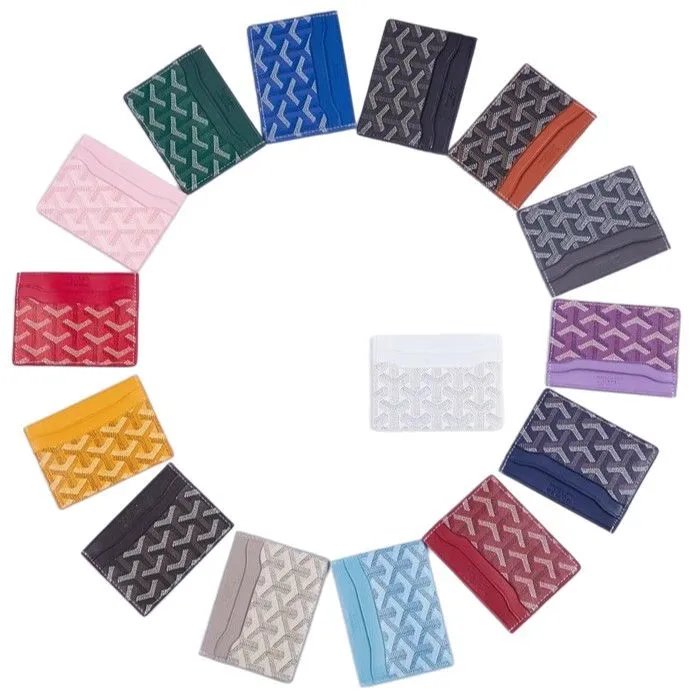
A focused place for every kind of find.
CategoriesFrom low-profile trainers to chunky runners: explore sneakers, boots and slides, with each pair opening its own gallery and available QC.
Graphic tees, everyday shirts and heavier layers. Open a specific category to keep your search focused on the pieces you want.
Denim, tailored trousers and shorts in one collection. Compare the full silhouette in the gallery and check measurements on the source listing.
Find an extra layer: lightweight jackets, warm coats and zip-ups. Look at the cuffs, closures and lining in the available detail photos.
Matching pieces together in one place. The original listing tells you which garments belong to each selectable set.
Socks, underwear and base layers. Pack sizes and material details belong to the individual source listing, so check the exact option.
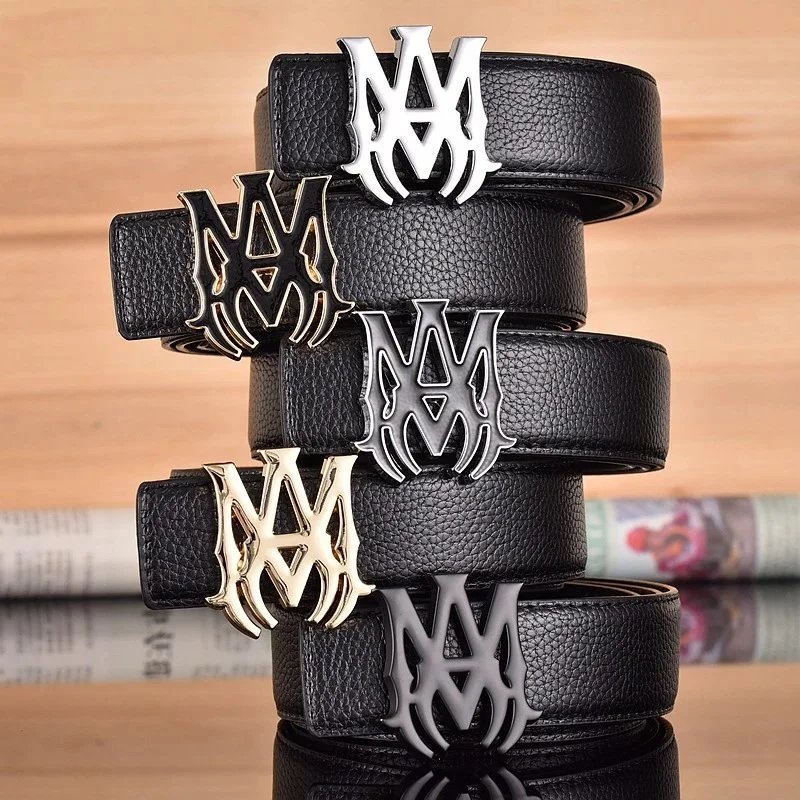
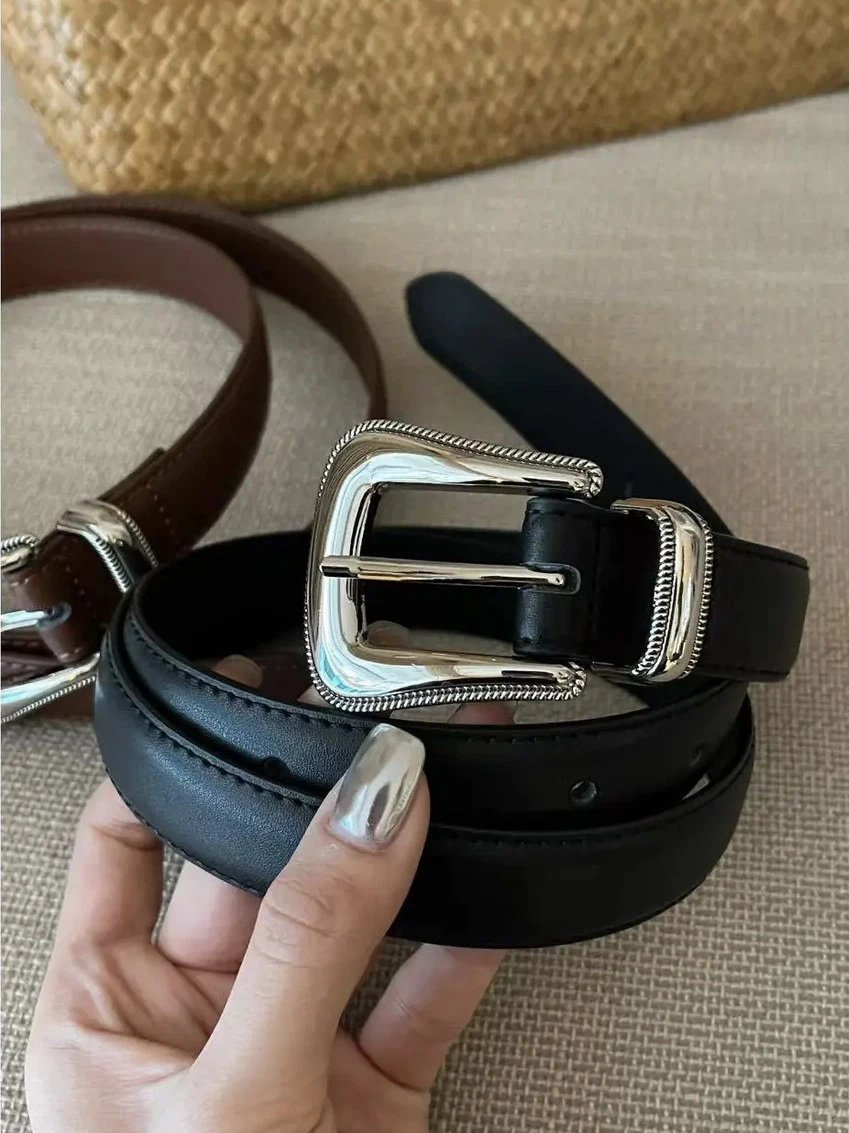
Bags, belts, eyewear and jewellery bring the small details into focus. Open the photographs to inspect shape, hardware and finish.
Explore gadgets by their actual product photos. Confirm model numbers, compatibility and available options on the destination page.
Browse the discoveries beyond your wardrobe: everyday objects, leisure items and other finds, each with its own source product link.
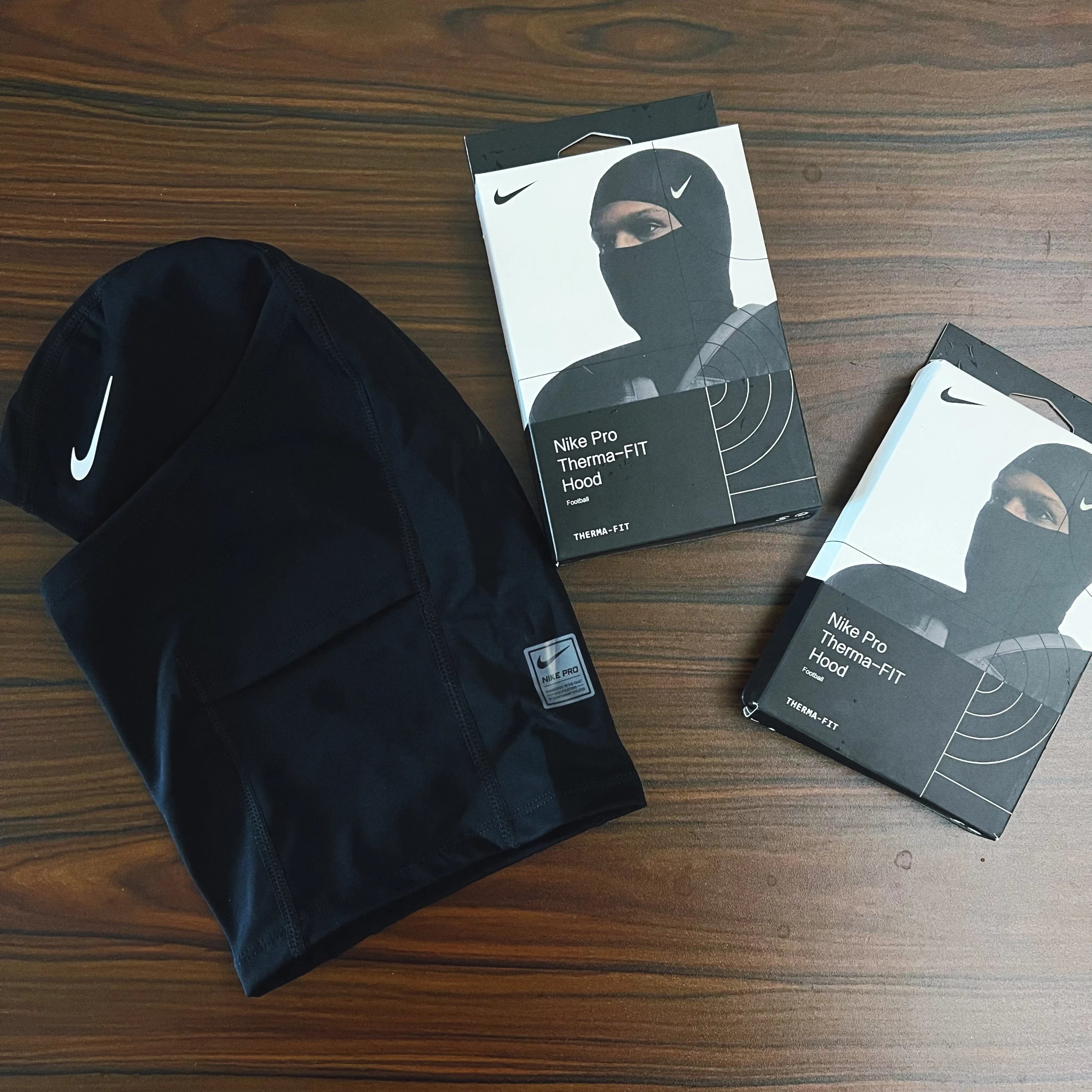
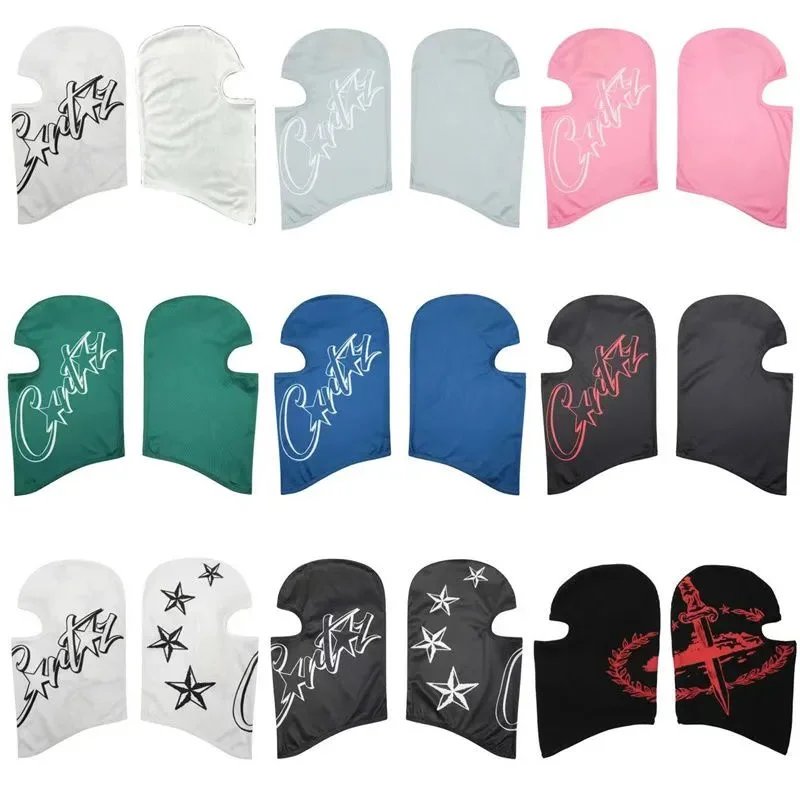
Browse shoes, clothing, accessories, electronics and other everyday items. Every card opens a product record with photographs and a reference price; the category directory includes the more specific collections.
Open Shoes for sneakers and other footwear, or Tops for hoodies and related layers. Within a collection, the brand and sort controls help you narrow the selection.
Image search accepts an uploaded, dropped or pasted photograph. It returns visual matches that you can open individually. Similar appearance alone does not confirm the same model, seller or quality.
Style thumbnails come from the product options and switch the main image. QC photographs are existing reference images associated with the product. They serve different purposes and may show different options.
No. A product may have a gallery and style photos but no QC. The detail page shows the available photographs and clearly indicates when QC is absent.
No. The photographs here are references from existing records. Your own purchase may differ, so review the photographs and options provided for your order on Lovegobuy.
Selecting a style only changes the image preview. It does not choose a size or reserve an item. Use the Lovegobuy product page to select the final order options.
The reference price is converted from the original CNY amount using the available exchange rates. Different options or a later source price update can also change the price on the destination page.
For supported Weidian listings, the button carries that listing’s numeric product ID into Lovegobuy. The copy button keeps the original Weidian link available if you want to revisit the source.
A catalogue record does not guarantee that the item is currently available for purchase. The seller’s stock, selectable options and Lovegobuy restrictions are determined on the current product page.
No. Lovegobuy Lists is an independent product discovery site. Account registration, payment and order support take place on Lovegobuy.
Yes. Registration and purchase links include our referral code, and we may earn a commission. The referral does not change which source product the link identifies.